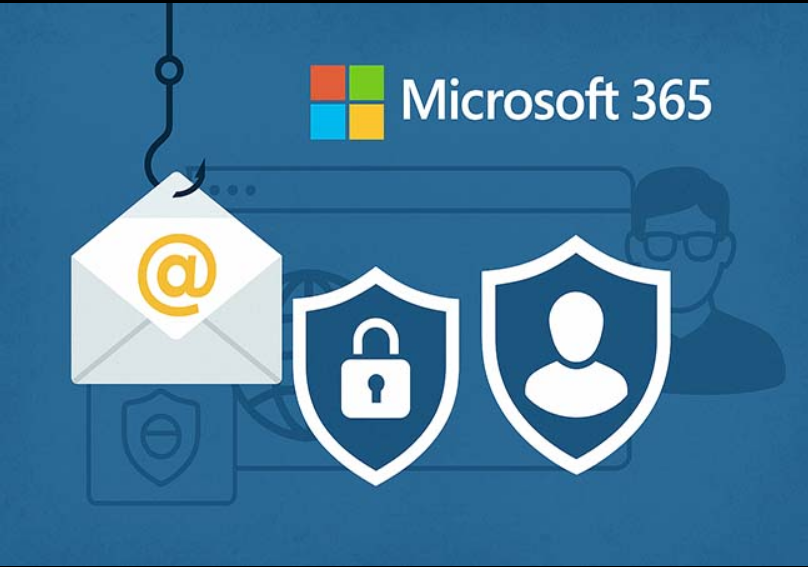

Microsoft has issued a warning about a complex, multi-stage phishing campaign targeting organizations in the energy sector, where attackers combine adversary-in-the-middle (AitM) phishing with business email compromise (BEC) tactics to spread across multiple victims.
According to Microsoft’s Defender Security Research team, the operation relies heavily on SharePoint file-sharing links to deliver phishing traps and uses mailbox rule manipulation to hide its activity, maintain long-term access, and keep victims unaware.
What makes the campaign particularly dangerous is how it spreads after the first breach. Once attackers compromise an account, they abuse that victim’s trusted identity to launch internal phishing across the organization, as well as send phishing emails outward to external contacts.
How the attack begins: trusted emails + fake SharePoint document shares
The entry point is a phishing email that appears to come from a legitimate organization — often because that sender account has already been compromised earlier in the chain.
From there, attackers send messages that look like routine SharePoint document-sharing notifications. This adds credibility and reduces suspicion because:
- SharePoint/OneDrive links are common in business environments
- the email originates from a real trusted address
- file-sharing workflows usually bypass “typical phishing red flags”
Microsoft noted this is part of a growing tactic often described as living off trusted services, where criminals exploit popular platforms to make malicious activity look normal and evade detection.
Fake login pages steal more than passwords
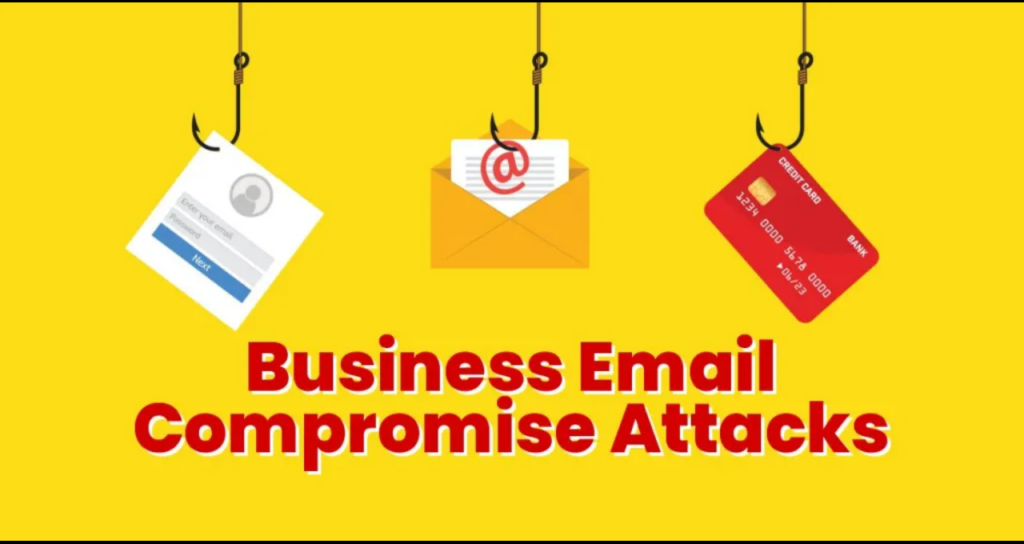
When victims click the link, they are redirected to a fake sign-in page designed to capture:
- username and password
- session information (including cookies)
This is critical because the campaign uses AitM techniques, meaning the attacker can capture active session tokens and potentially stay logged in even if the password is later changed.
Inbox rules used for stealth and persistence
After gaining access, attackers immediately set up hidden mailbox rules to reduce visibility, such as:
- deleting incoming emails
- automatically marking messages as “read”
- removing warning replies or suspicious delivery notices
This allows the threat actors to operate inside the mailbox without the user noticing anything unusual.
Compromised accounts become phishing machines
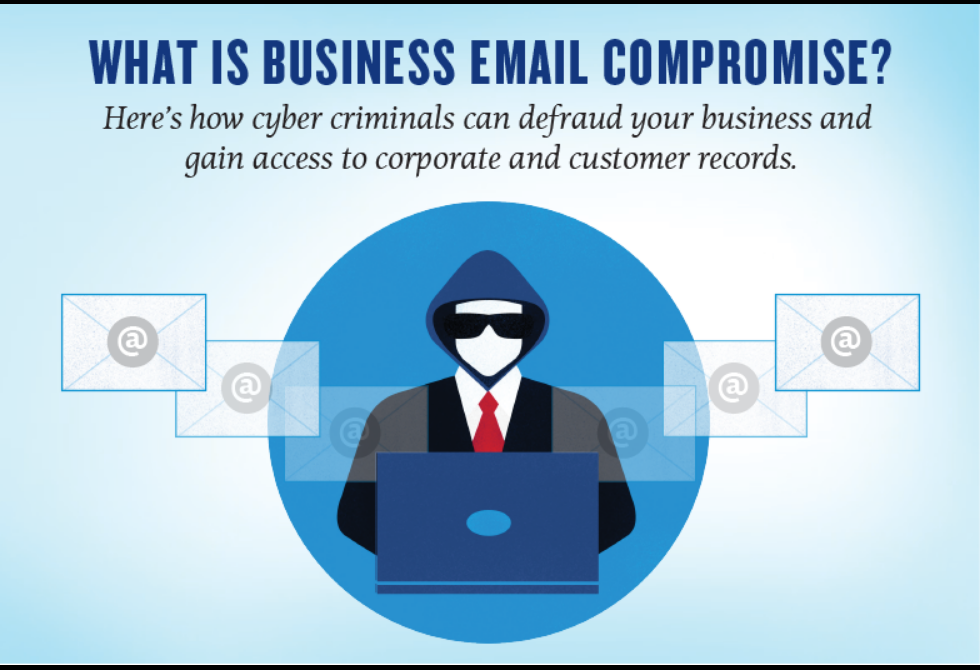
Once the inbox is under control, the attackers use it to distribute more phishing messages containing AitM credential-harvesting links.
Microsoft described at least one incident where the attackers sent hundreds of phishing emails (600+) using a single compromised account — targeting both:
- employees inside the same organization
- external partners and contacts
They also try to maintain credibility by:
- deleting bounce-back messages
- deleting out-of-office replies
- responding to suspicious recipients to reassure them the message is legitimate
- then deleting those conversations afterward
This is classic BEC behavior, focused on remaining hidden while scaling the campaign.
Why password resets don’t fully fix it
Microsoft emphasized that this type of operation is not a basic phishing incident. Resetting the password alone is not enough.
Because AitM phishing can steal session cookies/tokens, defenders must also:
- revoke active sessions
- invalidate stolen cookies
- remove inbox rules created by attackers
- review MFA changes attackers may have made
Microsoft said it worked with impacted organizations to roll back suspicious MFA updates and delete malicious mailbox rules.
It’s still unclear how many energy-sector organizations were affected or which threat group is behind the operation.
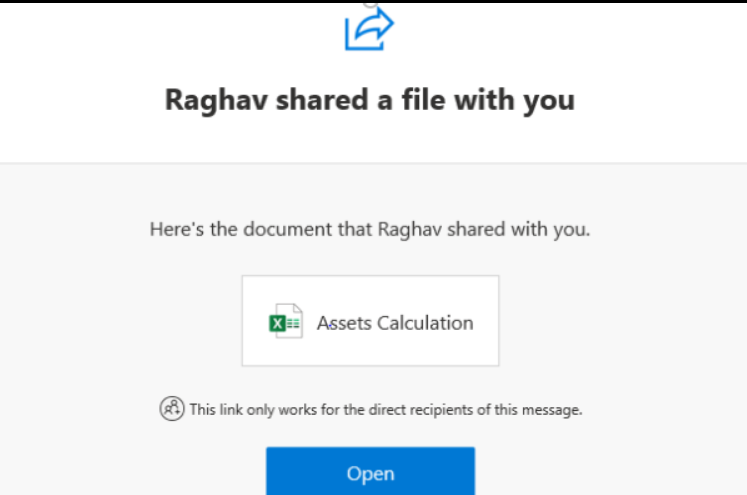
Security recommendations from Microsoft
Microsoft is urging organizations to strengthen identity security controls, including:
- deploy phishing-resistant MFA (FIDO keys or certificate-based authentication)
- enable Conditional Access policies
- use Continuous Access Evaluation
- strengthen email security tools that inspect:
- incoming messages
- file-sharing links
- suspicious redirections
- login page impersonation
A broader trend: trusted platforms used as attack infrastructure
This campaign reflects a bigger shift in phishing: threat actors increasingly abuse trusted online services like:
- file storage platforms
- cloud services
- enterprise collaboration tools
By using these platforms, attackers reduce the need to host their own infrastructure and make malicious activity appear legitimate.
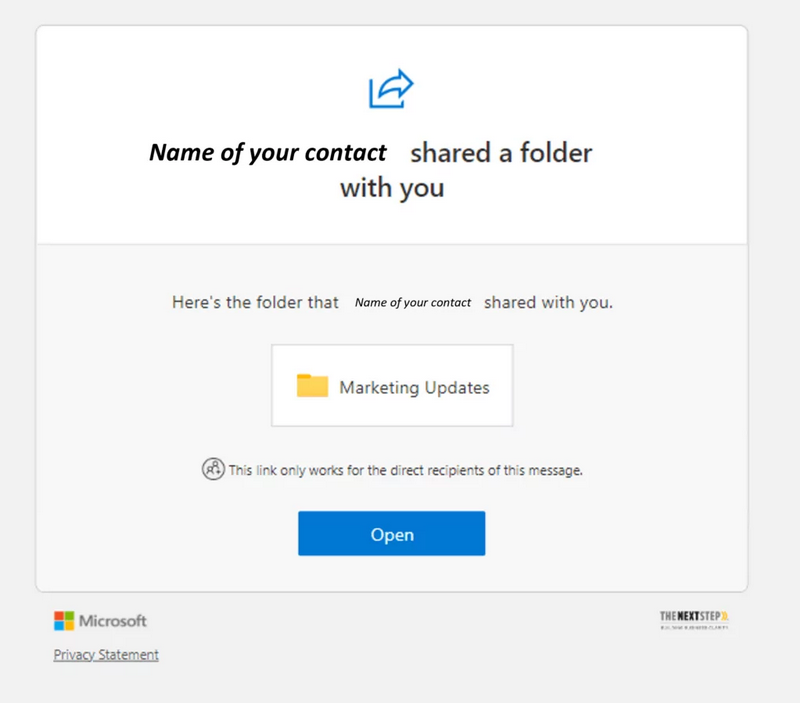
Related warning: Okta detects vishing kits built to bypass MFA
In a separate but related development, Okta reported discovering phishing kits built specifically for voice phishing (vishing) operations targeting major platforms including:
- Microsoft
- Okta
- cryptocurrency services
In these vishing attacks, criminals pretend to be technical support and call targets using spoofed phone numbers. Victims are tricked into visiting a phishing site where credentials are captured and relayed to threat actors in real time — often through Telegram channels.
Okta also warned these kits can synchronize the victim’s browser authentication flow with the attacker’s instructions, helping bypass MFA methods that are not resistant to phishing.
Other phishing tricks gaining traction
Security researchers also continue to observe clever deception methods such as:
1) “@” URL trick using Basic Auth formatting
Attackers place a trusted brand name before the “@” symbol to mislead victims, while the real destination comes after it.
2) Homoglyph domains (rn = m)
Some attackers register domains where “rn” is used in place of “m” to resemble trusted brands, such as:
- “rnicrosoft” (fake Microsoft)
- “rnastercard” (fake Mastercard)
These attacks work because most users scan quickly and don’t notice subtle character swaps