

Cyber attacks are no longer rare events limited to big corporations. Individuals, small businesses, schools, and nonprofits are all regular targets. Attackers look for the easiest way in, not the biggest name. Understanding the most common types of attacks is the first step toward protecting yourself and your organization.
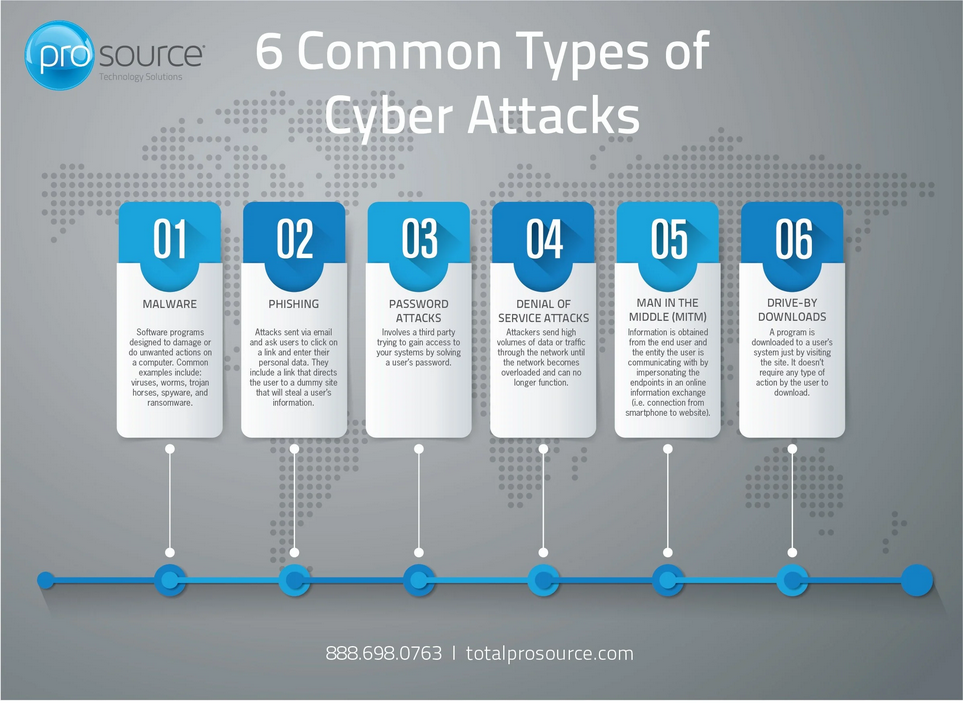
1. Phishing Attacks
What it is:
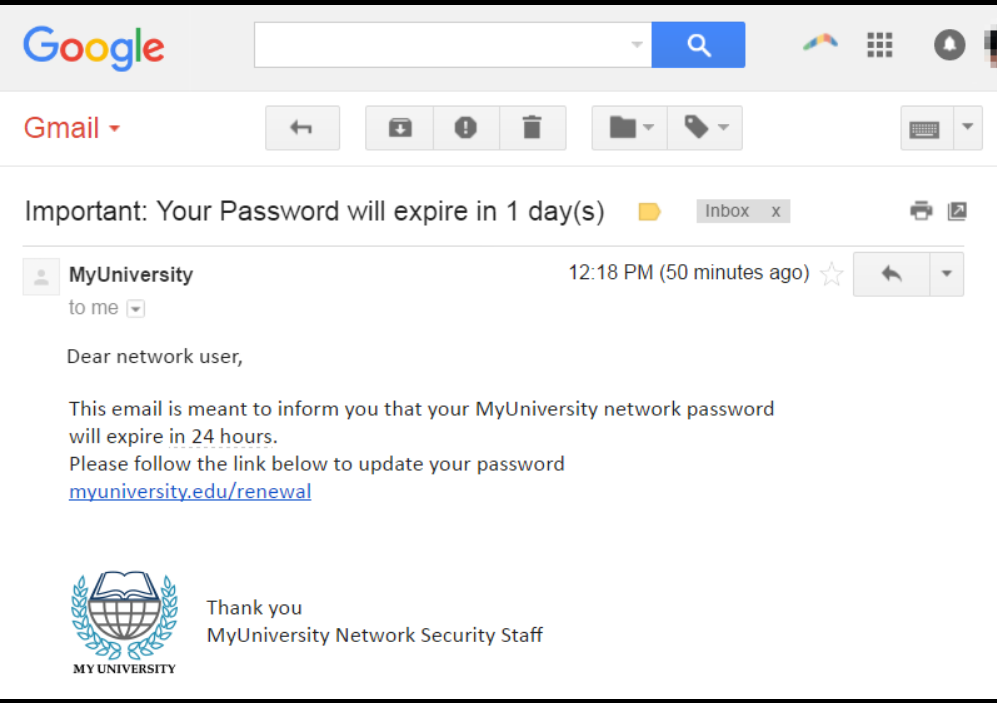
Phishing happens when attackers send fake emails, text messages, or links that look legitimate. The goal is to trick you into revealing passwords, banking details, or other sensitive information.
Common signs:
- Urgent language like “Act now” or “Your account will be locked”
- Suspicious sender addresses
- Links that don’t match the real website
How to prevent it:
- Do not click links or open attachments from unknown senders
- Check email addresses carefully, not just display names
- Use spam filters and email security tools
- Train users and staff to recognize phishing attempts
2. Malware Attacks
What it is:
Malware is malicious software designed to damage, spy on, or take control of a system. It includes viruses, spyware, worms, and trojans.
How it spreads:
- Infected email attachments
- Fake software downloads
- Malicious websites
How to prevent it:
- Install reputable antivirus and anti-malware software
- Keep operating systems and applications updated
- Avoid downloading software from untrusted sources
- Disable macros in documents unless absolutely necessary
3. Ransomware Attacks
What it is:
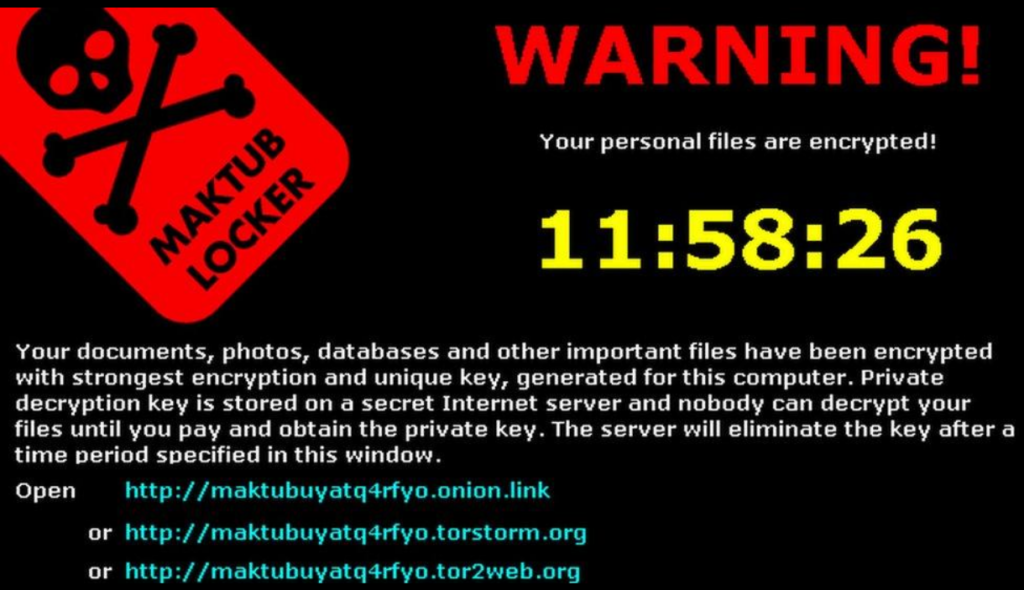
Ransomware locks or encrypts your files and demands payment to restore access. Even if you pay, there’s no guarantee you’ll get your data back.
How to prevent it:
- Back up data regularly and store backups offline or in secure cloud storage
- Keep systems and software patched
- Limit user permissions to only what is necessary
- Use endpoint protection and email filtering
4. Password Attacks
What it is:
Attackers try to guess or steal passwords using brute force, credential stuffing, or leaked databases from other breaches.
How to prevent it:
- Use strong, unique passwords for every account
- Enable multi-factor authentication (MFA) wherever possible
- Use a password manager instead of reusing passwords
- Lock accounts after repeated failed login attempts
5. Man-in-the-Middle (MitM) Attacks
What it is:
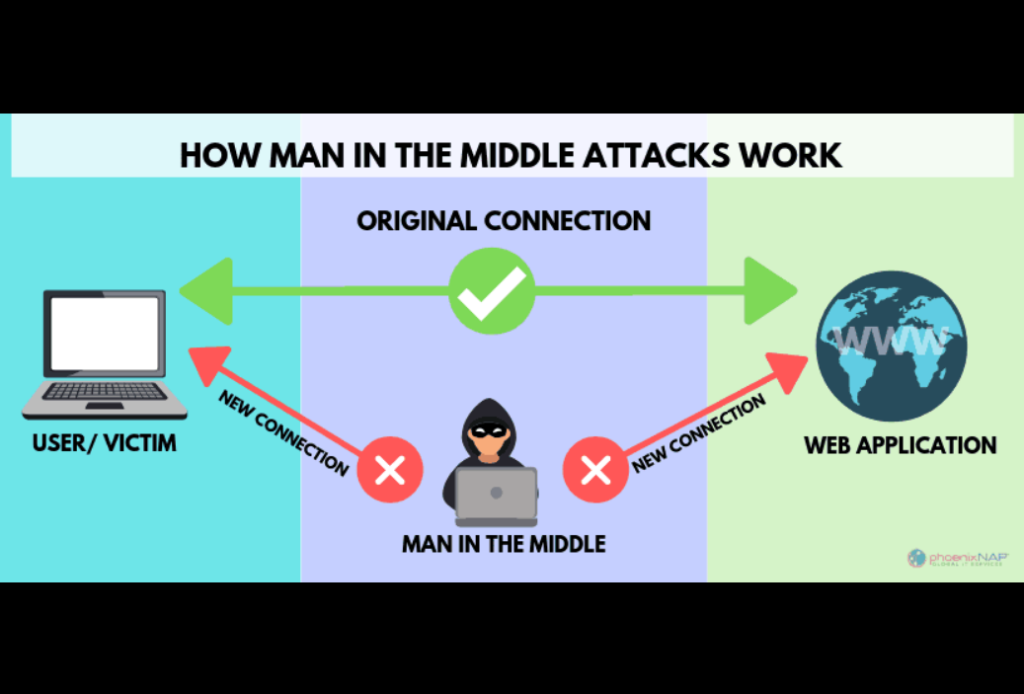
In a MitM attack, an attacker secretly intercepts communication between two parties, often on unsecured public Wi-Fi networks.
How to prevent it:
- Avoid sensitive transactions on public Wi-Fi
- Use a trusted VPN when on public networks
- Ensure websites use HTTPS
- Secure home and office Wi-Fi with strong encryption
6. Denial-of-Service (DoS and DDoS) Attacks
What it is:
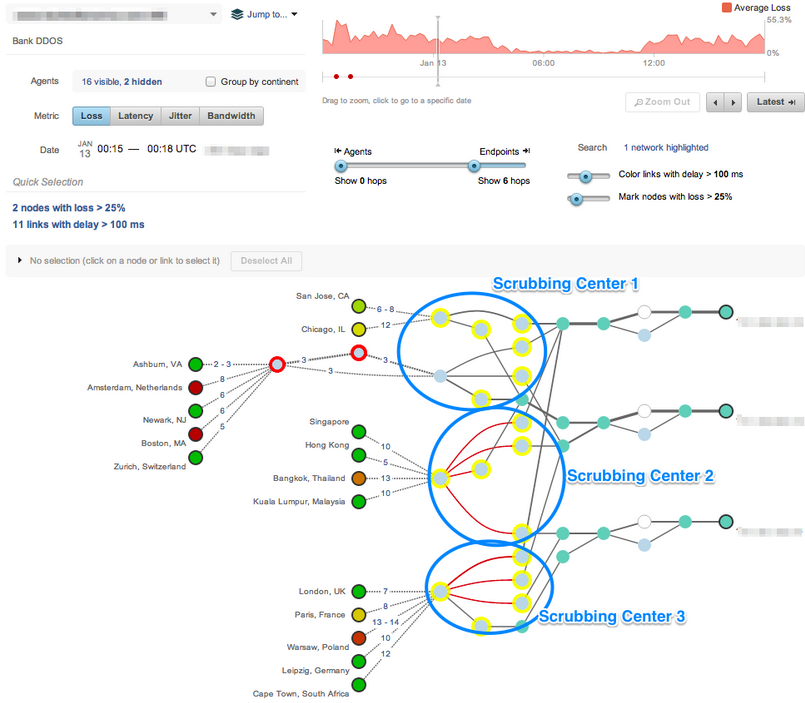
These attacks flood a website or service with traffic until it crashes or becomes unavailable.
How to prevent it:
- Use web application firewalls (WAFs)
- Enable rate limiting and traffic monitoring
- Work with hosting providers that offer DDoS protection
- Have an incident response plan in place
7. Social Engineering Attacks
What it is:
Instead of hacking systems, attackers manipulate people. This could be a fake phone call from “IT support” or someone pretending to be a trusted contact.
How to prevent it:
- Verify requests for sensitive information through another channel
- Train staff to question unusual requests
- Limit access to sensitive data
- Create clear procedures for approvals and verification
Final Thoughts
Cybersecurity does not start with tools. It starts with awareness. Most successful attacks exploit human mistakes, not technical flaws. By understanding common cyber attacks and applying basic security practices, you significantly reduce your risk.
You do not need to be perfect. You just need to be harder to attack than the next target.
If you want, I can tailor this post specifically for beginners, small businesses, schools, or cybersecurity students, or turn it into a branded post for your SecyTech blog.